Project Description
Wireless and Wired Network and Security
10-Day Summer Bootcamp | 3 Hours Per Day | 30 Total Hours
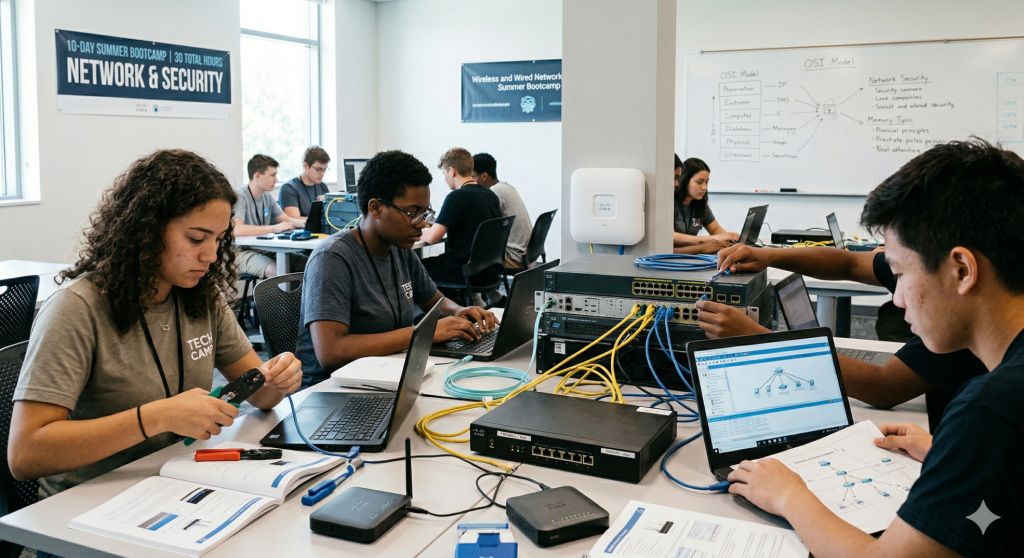
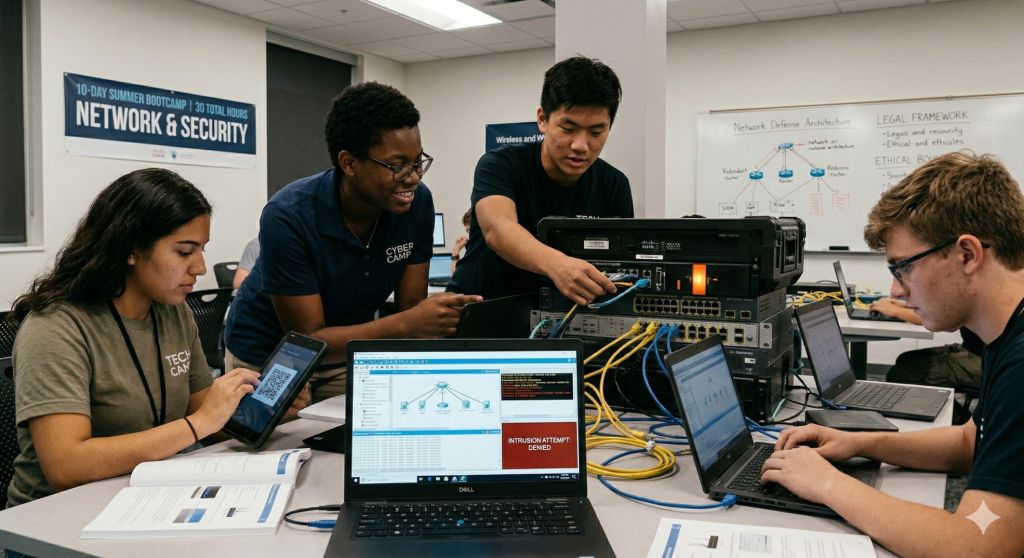
This hands-on summer bootcamp teaches high school students how real computer networks are designed, built, and protected. Students will work with actual networking equipment — routers, switches, wireless access points, and firewalls — alongside Cisco Packet Tracer simulations to gain practical skills used by network engineers and cybersecurity professionals every day.
The course builds knowledge layer by layer — starting with how networks physically connect, moving through addressing, routing, switching, and security controls, then into wireless networks and defense. Each new topic builds directly on what students learned the day before. Students will learn to think like both a network engineer building reliable infrastructure and a security analyst defending it.
Every session is lab-driven. Students spend the majority of their time configuring real devices, analyzing live traffic, testing security controls, and solving practical challenges. All security labs are conducted in isolated, controlled environments, and students learn legal and ethical boundaries of security testing as a core part of the curriculum.
No prior networking experience is required — just curiosity about how networks work and how to protect them.
Daily Topics
- Day 1 — Introduction to Networks, Switches, and Routers. What happens when you open a website? Students explore how data moves through networks using the OSI and TCP/IP models. They get hands-on with real networking equipment — connecting switches and routers, observing how devices forward traffic, and setting up Cisco Packet Tracer for the first time.
- Day 2 — Network Services. What actually runs on top of a network? Students discover how domain names turn into IP addresses, how web pages are served, and how files move between machines. Hands-on: set up and explore DNS, DHCP, HTTP, and FTP services — configuring a simple DNS and web server in Packet Tracer and observing real traffic flow.
- Day 3 — IP Addressing and Subnetting. Students learn the fundamentals of IP addressing — how addresses are structured, what subnet masks do, and how to plan simple addressing schemes. They practice with common subnets (/24, /16) and configure static addressing and DHCP on real devices and in simulation.
- Day 4 — Routing. How does data find its way across multiple networks? Students configure routers, learn how routing tables and routing decisions work, explore static routing and basic dynamic routing concepts, and trace the path packets take from source to destination across a multi-network topology.
- Day 5 — Access Control Lists. Students learn how to control what traffic is allowed and denied across a network using ACLs. They write, apply, and test standard and extended access control lists on routers — permitting and blocking traffic by source, destination, protocol, and port. Hands-on: build and verify ACL rules on real equipment and in Packet Tracer.
- Day 6 — Switching. Students go deeper into how switches operate — learning MAC address tables, switch port modes, trunk and access ports, spanning tree basics, and how switches make forwarding decisions at Layer 2. Hands-on: configure and verify switch behavior in a multi-switch topology.
- Day 7 — Port Security. Students learn how to secure switch ports against unauthorized devices. They configure port security features — setting maximum MAC addresses, sticky learning, and violation actions (shutdown, restrict, protect). Hands-on: simulate an unauthorized device connecting to the network and watch port security respond.
- Day 8 — VLANs and Network Segmentation. Students learn how VLANs divide a physical network into logical segments for security, performance, and management. They configure VLANs, assign ports, set up trunk links, and configure inter-VLAN routing. Hands-on: build a segmented network where departments are isolated from each other.
- Day 9 — Wireless Network Design and Security. Students set up and configure wireless access points — choosing frequencies, channels, SSIDs, and power settings. They learn 802.11 standards (ac/ax/WiFi 6), conduct a wireless site survey, and then secure their wireless network using WPA2-Personal and WPA3. They explore why open and WEP networks are dangerous, configure guest network isolation, and use Wireshark to capture and examine wireless traffic.
- Day 10 — Capstone Project: Network Troubleshooting. Students receive a pre-built network with multiple intentional problems — broken routing, misconfigured ACLs, VLAN issues, port security violations, incorrect IP addressing, and insecure wireless settings. Their mission: systematically diagnose, identify, and fix every issue using the skills they have built over the past nine days. Dedicated lab time with instructor support, testing, and verification.
By the end of the bootcamp, students will be able to:
- Explain how data moves through wired and wireless networks using the OSI and TCP/IP models
- Set up and configure core network services including DNS, DHCP, HTTP, and FTP
- Understand IP addressing fundamentals and design simple subnet schemes
- Configure routers and understand how routing decisions are made
- Write and apply access control lists to control network traffic
- Configure switches, understand Layer 2 forwarding, and manage trunk and access ports
- Secure switch ports against unauthorized devices using port security
- Segment networks using VLANs and configure inter-VLAN routing
- Set up, secure, and troubleshoot wireless networks using WPA2 and WPA3
- Systematically diagnose and fix network problems across all layers
What to bring / prepare before Day 1:
- Preferably: A laptop with Windows, macOS, or Linux. Cisco Packet Tracer will be installed on Day 1 (free with Cisco Networking Academy account), laptop charger
- A personal or parent-approved email address for creating a free Cisco Networking Academy account. Parental consent is required for students under 13. Students 13 and older may use their own email.
- Curiosity and willingness to experiment — some labs involve intentionally “breaking” networks to learn how they work
Summer Camp Instructors
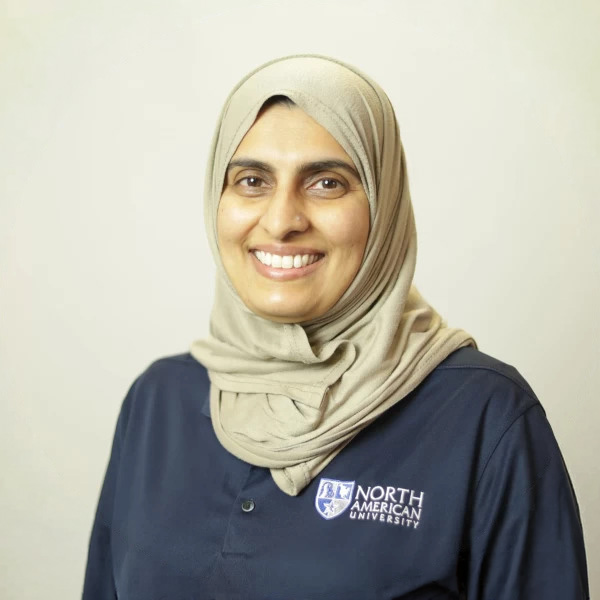
She also serves as an assistant coach for the award-winning Speech and Debate Team, where she helps students develop strong public speaking and presentation skills. Through personalized coaching, structured practice, and constructive feedback. She supports students in building confidence, organizing persuasive arguments, and delivering effective presentations.

I am passionate about helping students connect theory with real-world applications, especially in areas like programming, artificial intelligence, and software development. I enjoy guiding learners of all levels to build practical projects, think critically, and develop confidence in using technology creatively.
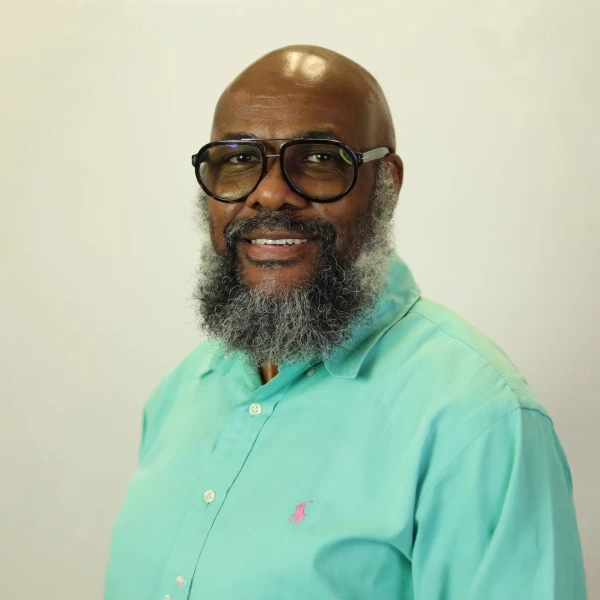
Upon graduation from Texas Southern University in 2000, he began working as a News Editor with KRIV Fox 26. In 2004, he began his teaching career as an Adjunct Instructor with Texas Southern University. That appointment led to him teaching in the discipline of Speech Communication with San Jacinto College, Houston City College, the Lone Star College system, the Art Institute of Houston, and now, with the prestigious North American University.
Currently, Mr. Keller is still working on reporting the morning news, along with teaching as a full-time professor with North American University. He is also the head coach of the North American University Speech and Debate Team.
In addition, he was ordained in early 2025 as a Deacon with Dominion Church International, where he proudly serves the people of God as a humble servant leader.
Mr. Keller enjoys spending quality time with his lovely wife, Latanya Keller, travelling, kayaking, bicycling, and volunteering on mission trips during the summer with his son Wynton.

Unlike traditional programs, Dr. Zhamanov’s courses go beyond theory — students build, experiment, and create. From designing their own AI agents using cutting-edge tools like OpenClaw, to developing games powered by AI, to exploring how real networks are protected from cyber threats, every session is immersive and practical.
His teaching style is energetic, modern, and results-driven, focused on helping students think like engineers, solve real problems, and gain confidence with technologies shaping the future.
At the summer bootcamp, students don’t just learn about technology — they build it, control it, and understand it.