Project Description
AI Websites
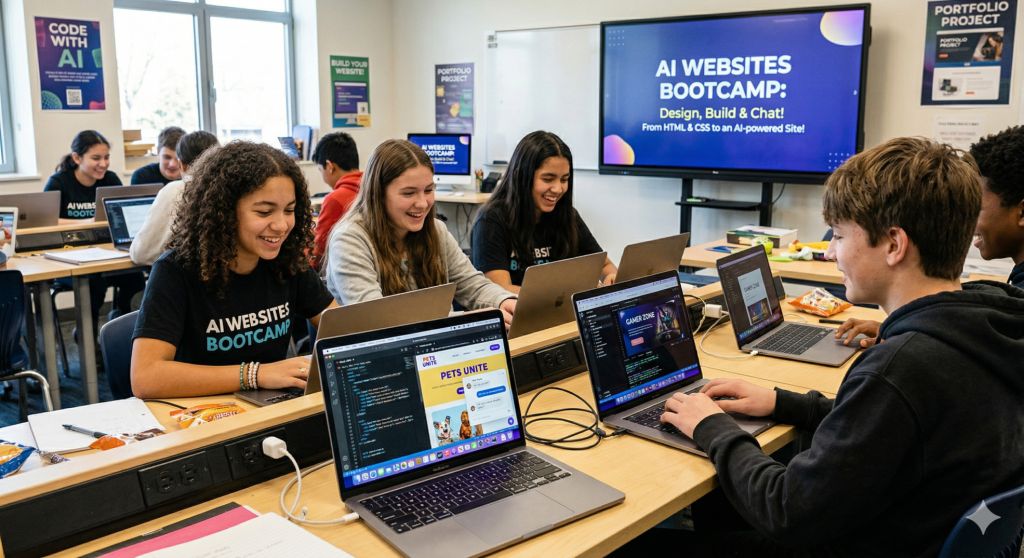
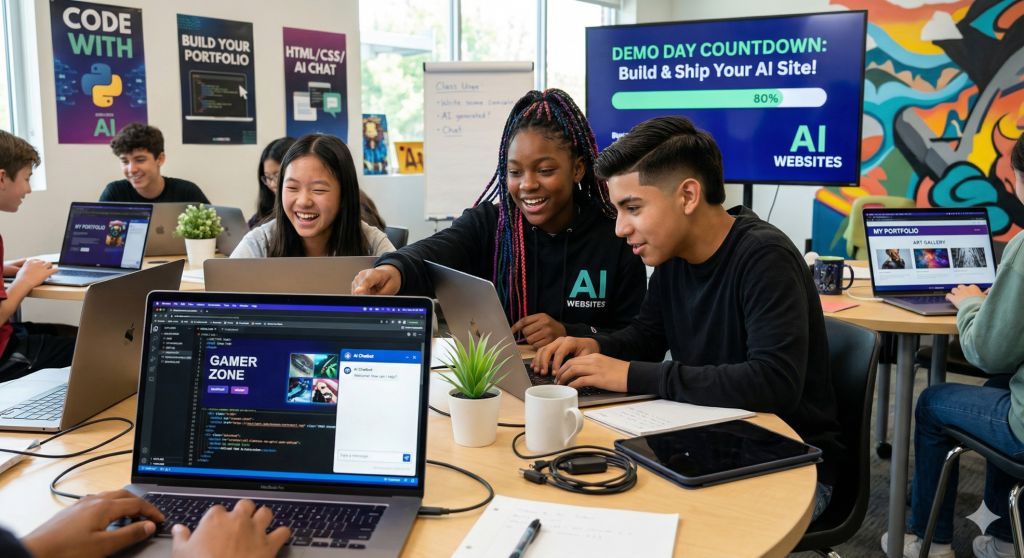
Every website you visit was built by someone – and after this bootcamp, that someone could be you. In AI Websites, middle & High schoolers learn to design and build real, multi-page websites from scratch, powered by AI.
You’ll learn the basics of how websites are structured (HTML), how to make them look awesome (CSS), and how to add a real AI chatbot that talks to your visitors. Along the way, you’ll use AI writing tools to create content, generate images with AI, and publish your site so anyone on the internet can visit it.
No prior experience needed. By Demo Day, every student will have a live, working, AI-powered website they built entirely with free tools – a real portfolio project to show off.
Day 1 — Welcome to the Web & AI Discover how websites work behind the scenes and how AI can make them smarter. Set up your accounts and explore cool AI-powered websites built by real people.
Day 2 — HTML Basics: Building Your First Page Learn the building blocks of every website: headings, text, images, and links. Build your very first personal webpage from scratch — it’s easier than you think!
Day 3 — Making It Look Cool with CSS Add colors, fonts, and layouts to your page using CSS. See how AI tools can help you write, explain, and fix styling code on the fly.
Day 4 — Writing for the Web with AI Learn how to write great prompts so AI can help you create website text, headlines, and ideas. Practice crafting prompts that get useful, high-quality results.
Day 5 — Adding an AI Chatbot Embed a real AI chatbot into your website! Customize its personality, what it talks about, and how it responds to visitors.
Day 6 — Multi-Page Websites & Navigation Expand your site to multiple connected pages. Set up navigation menus so visitors can move around your site easily, like a real website.
Day 7 — AI-Generated Images & Media Use free AI tools to create images and visuals for your website. Learn how to balance creativity with responsible use of AI-generated media.
Day 8 — Publishing Your Site Live Put your website on the internet! Use free hosting tools to publish your site so anyone in the world can visit it. Share the link with friends and family.
Day 9 — Polish, Responsible AI & Final Build Refine your site and explore big questions: What happens when AI creates biased content? How do you protect visitors’ privacy? Add a finishing touch to your project.
Day 10 — Demo Day Present your finished AI-powered website to peers, mentors, and guests. Show off the design, the chatbot, and everything you built from the ground up!
By the End of the Bootcamp, You Will Be Able To
- Build and style a multi-page website using HTML and CSS
- Use AI tools to write, improve, and generate website content
- Embed and customize an AI chatbot into a live web page
- Publish a working website that anyone on the internet can visit
- Apply basic design principles: layout, color, fonts, and navigation
- Discuss responsible AI in web publishing: bias, privacy, and transparency
What to Bring / Prepare Before Day 1
- A laptop with Windows, macOS, or Linux – Chromebook works too! Bring your charger.
- A personal email address for creating free tool accounts. Students under 13 need a parent or guardian to approve account creation.
- No prior coding or web design experience required.
Summer Camp Instructors
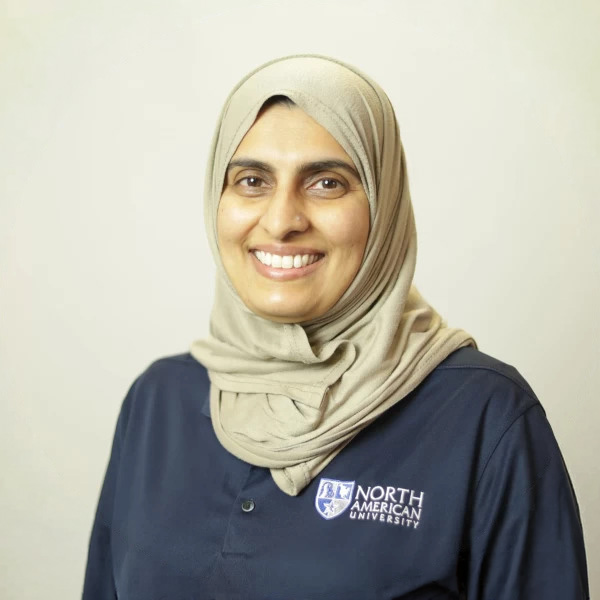
She also serves as an assistant coach for the award-winning Speech and Debate Team, where she helps students develop strong public speaking and presentation skills. Through personalized coaching, structured practice, and constructive feedback. She supports students in building confidence, organizing persuasive arguments, and delivering effective presentations.
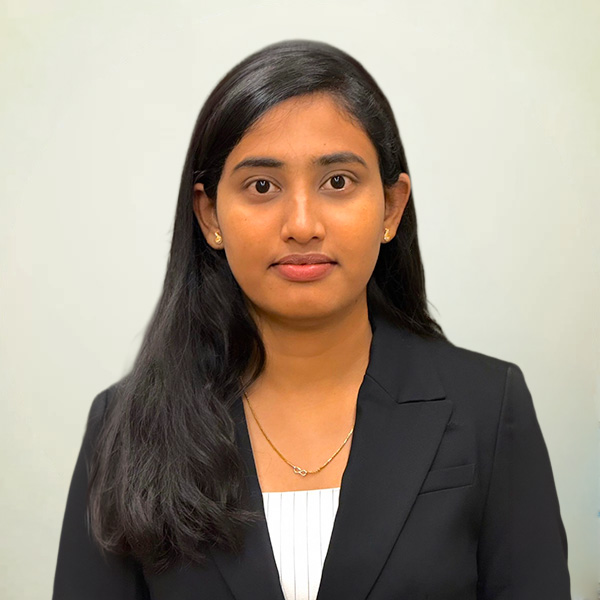
I am passionate about helping students connect theory with real-world applications, especially in areas like programming, artificial intelligence, and software development. I enjoy guiding learners of all levels to build practical projects, think critically, and develop confidence in using technology creatively.
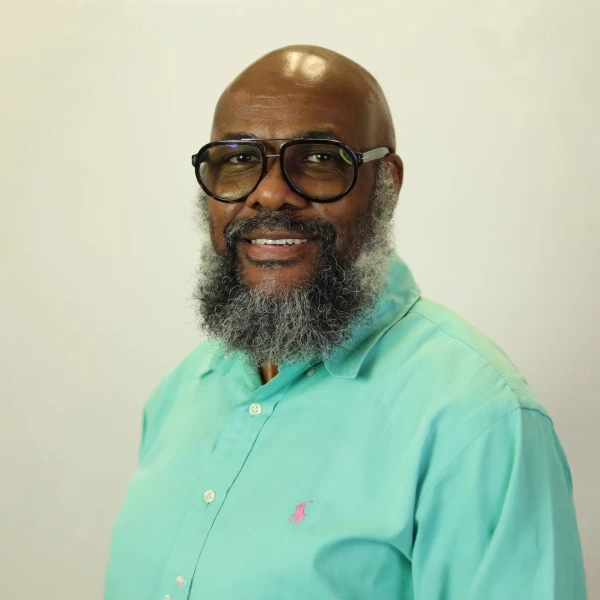
Upon graduation from Texas Southern University in 2000, he began working as a News Editor with KRIV Fox 26. In 2004, he began his teaching career as an Adjunct Instructor with Texas Southern University. That appointment led to him teaching in the discipline of Speech Communication with San Jacinto College, Houston City College, the Lone Star College system, the Art Institute of Houston, and now, with the prestigious North American University.
Currently, Mr. Keller is still working on reporting the morning news, along with teaching as a full-time professor with North American University. He is also the head coach of the North American University Speech and Debate Team.
In addition, he was ordained in early 2025 as a Deacon with Dominion Church International, where he proudly serves the people of God as a humble servant leader.
Mr. Keller enjoys spending quality time with his lovely wife, Latanya Keller, travelling, kayaking, bicycling, and volunteering on mission trips during the summer with his son Wynton.

Unlike traditional programs, Dr. Zhamanov’s courses go beyond theory — students build, experiment, and create. From designing their own AI agents using cutting-edge tools like OpenClaw, to developing games powered by AI, to exploring how real networks are protected from cyber threats, every session is immersive and practical.
His teaching style is energetic, modern, and results-driven, focused on helping students think like engineers, solve real problems, and gain confidence with technologies shaping the future.
At the summer bootcamp, students don’t just learn about technology — they build it, control it, and understand it.